The Device Statistics Report does not apply to IM and Presence Service and Cisco Unity Connection.
The Device Statistics Report provides the following line charts:
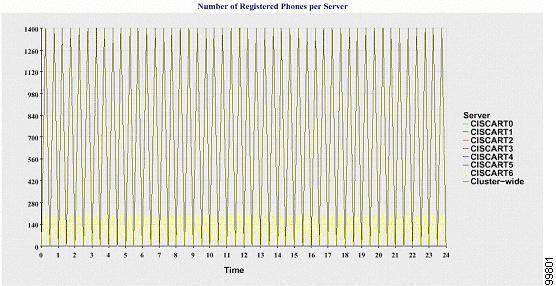
Number of Registered Phones per Server
Number of H.323 Gateways in the Cluster
Number of Trunks in the Cluster
Number of Registered Phones Per Server
A line chart displays the number of registered phones for each Cisco Unified Communications Manager server (and cluster in a Cisco Unified Communications Manager cluster configuration). Each line in the chart represents the data for a server for which data is available, and one extra line displays the clusterwide data (Cisco Unified Communications Manager clusters only). Each data value in the chart represents the average number of phones that are registered for a 15-minute duration. If a server shows no data, Reporter does not generate the line that represents that server. If no data exists for the server (or for all servers in a Cisco Unified Communications Manager cluster configuration), for registered phones, Reporter does not generate the chart. The message "No data for Device Statistics report available" displays.
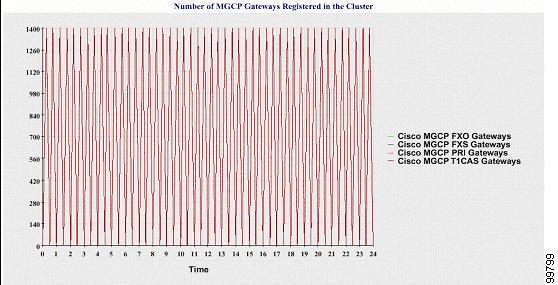
Number of MGCP Gateways Registered in the Cluster
A line chart displays the number of registered MGCP FXO, FXS, PRI, and T1CAS gateways. Each line represents data only for the Cisco Unified Communications Manager server (or cluster in a Cisco Unified Communications Manager cluster configuration); so, four lines show server (or clusterwide) details for each gateway type. Each data value in the chart represents the average number of MGCP gateways that are registered for a 15-minute duration. If no data exists for a gateway for the server (or all the servers in a cluster), Reporter does not generate the line that represents data for that particular gateway. If no data exists for all gateways for the server (or for all servers in a cluster), Reporter does not generate the chart.
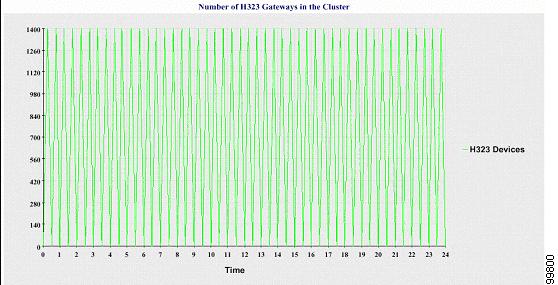
Number of H.323 Gateways in the Cluster
A line chart displays the number of H.323 gateways. One line represents the details of the H.323 gateways (or the clusterwide details in a Cisco Unified Communications Manager cluster configuration). Each data value in the chart represents the average number of H.323 gateways for a 15-minute duration. If no data exists for H.323 gateways for the server (or for all servers in a cluster), Reporter does not generate the chart.
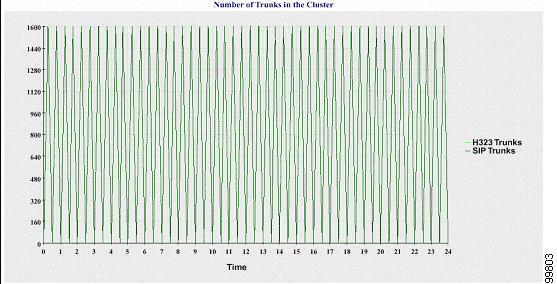
Number of Trunks in the Cluster
A line chart displays the number of H.323 and SIP trunks. Two lines represent the details of the H.323 trunks and SIP trunks (or the clusterwide details in a Cisco Unified Communications Manager cluster configuration). Each data value in the chart represents the average number of H.323 and SIP trunks for a 15-minute duration. If no data exists for H.323 trunks for the server (or for all servers in a cluster), Reporter does not generate the line that represents data for the H.323 trunks. If no data exists for SIP trunks for the server (or for all servers in the cluster), Reporter does not generate the line that represents data for SIP trunks. If no data exists for trunks at all, Reporter does not generate the chart.
The server (or each server in the cluster) contains log files that match the filename pattern DeviceLog_mm_dd_yyyy_hh_mm.csv. The following information exists in the log file:
Number of registered phones on the server (or on each server in a Cisco Unified Communications Manager cluster)
Number of registered MGCP FXO, FXS, PRI, and T1CAS gateways on the server (or on each server in a Cisco Unified Communications Manager cluster)
Number of registered H.323 gateways on the server (or on each server in a Cisco Unified Communications Manager cluster)
Number of SIP trunks and H.323 trunks